

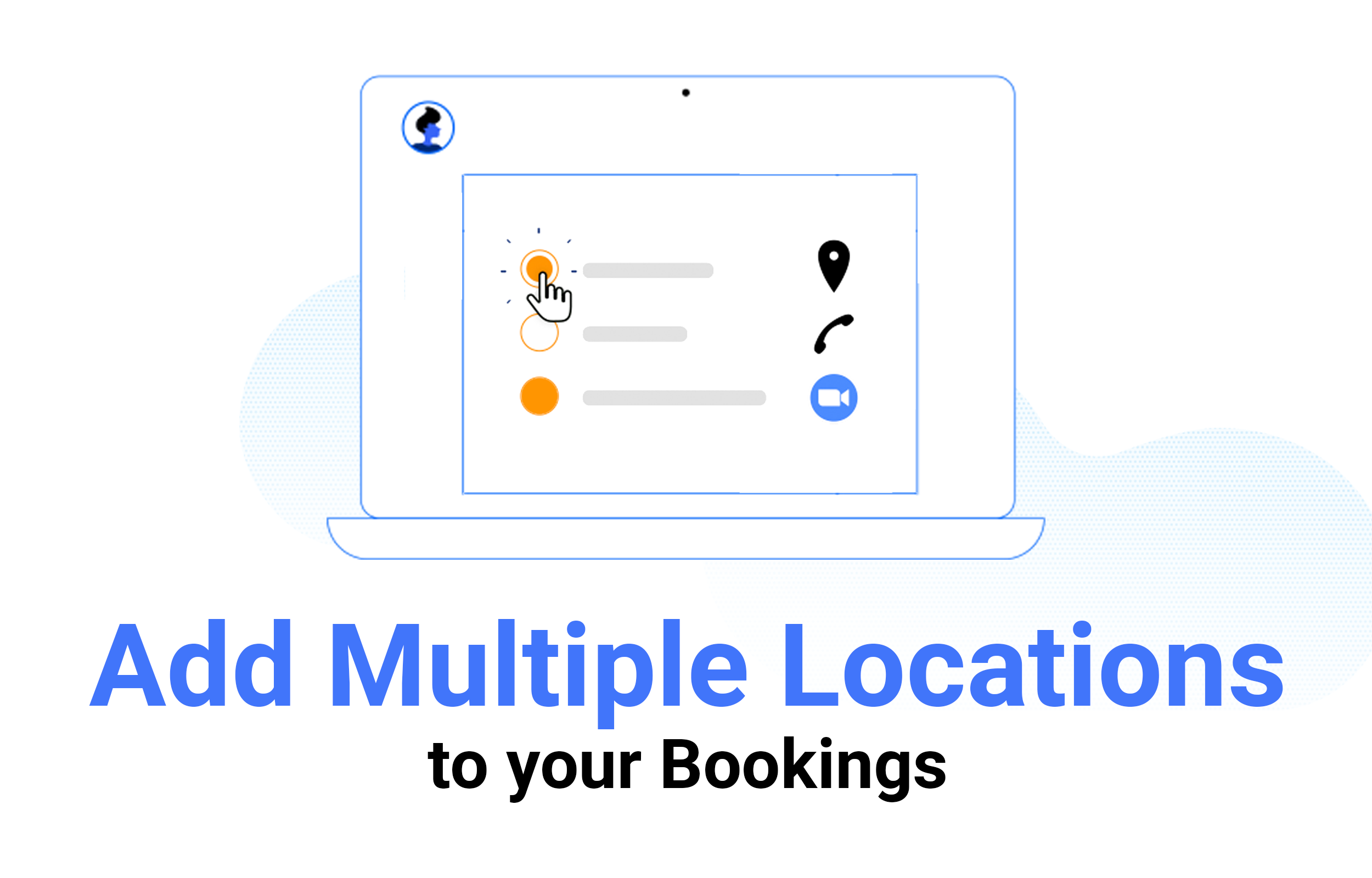
When you set up a business meeting with potential partners or customers, you want to make a good first impression. This means ensuring that you not only decide on a venue with facilities fit for your purpose but you must also choose a suitable location.
{% video_player “embed_player” overrideable=False, type=’hsvideo2′, hide_playlist=True, viral_sharing=False, embed_button=False, autoplay=False, hidden_controls=False, loop=False, muted=False, full_width=False, width=’320′, height=’320′, player_id=’86907054449′, style=” %}
CatchApp Bookings is a genius scheduling tool that lets you fire-and-forget your appointment worries. Customers simply click on your bookings link, and they’re ready to choose a time and date from your availability, cutting down the stress, and ultimately, the time it takes to set the appointment itself, leaving you with up to one month of freed-up time each year. If you’re liking the sound of that already, sign up here.
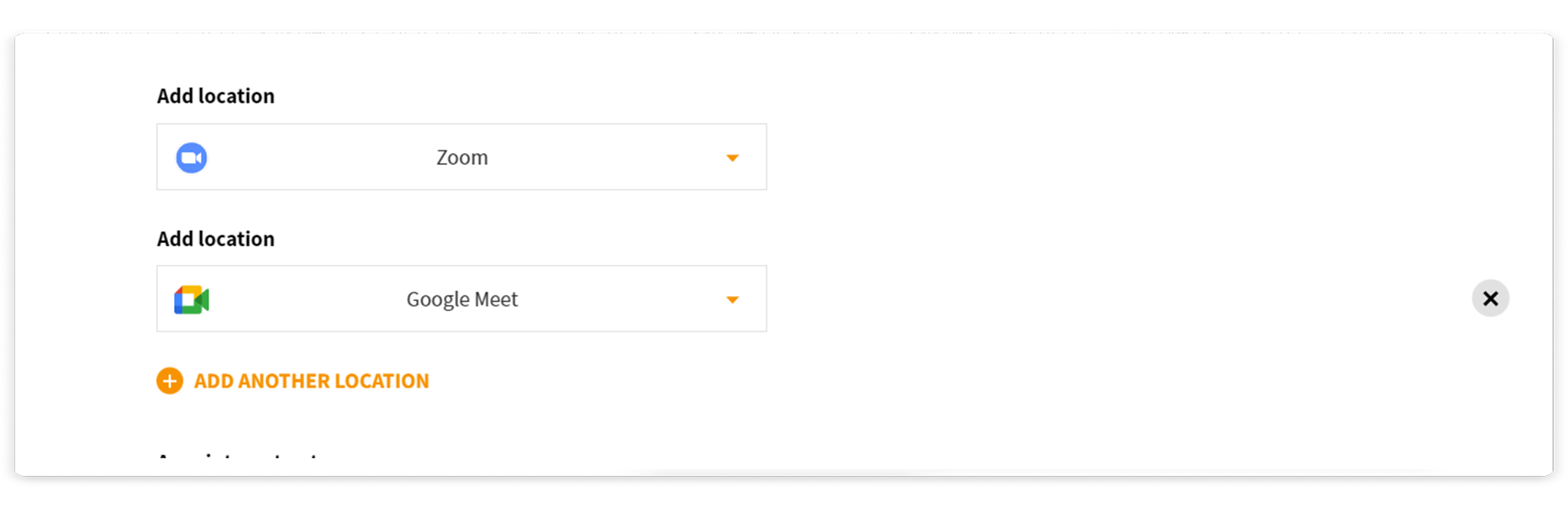
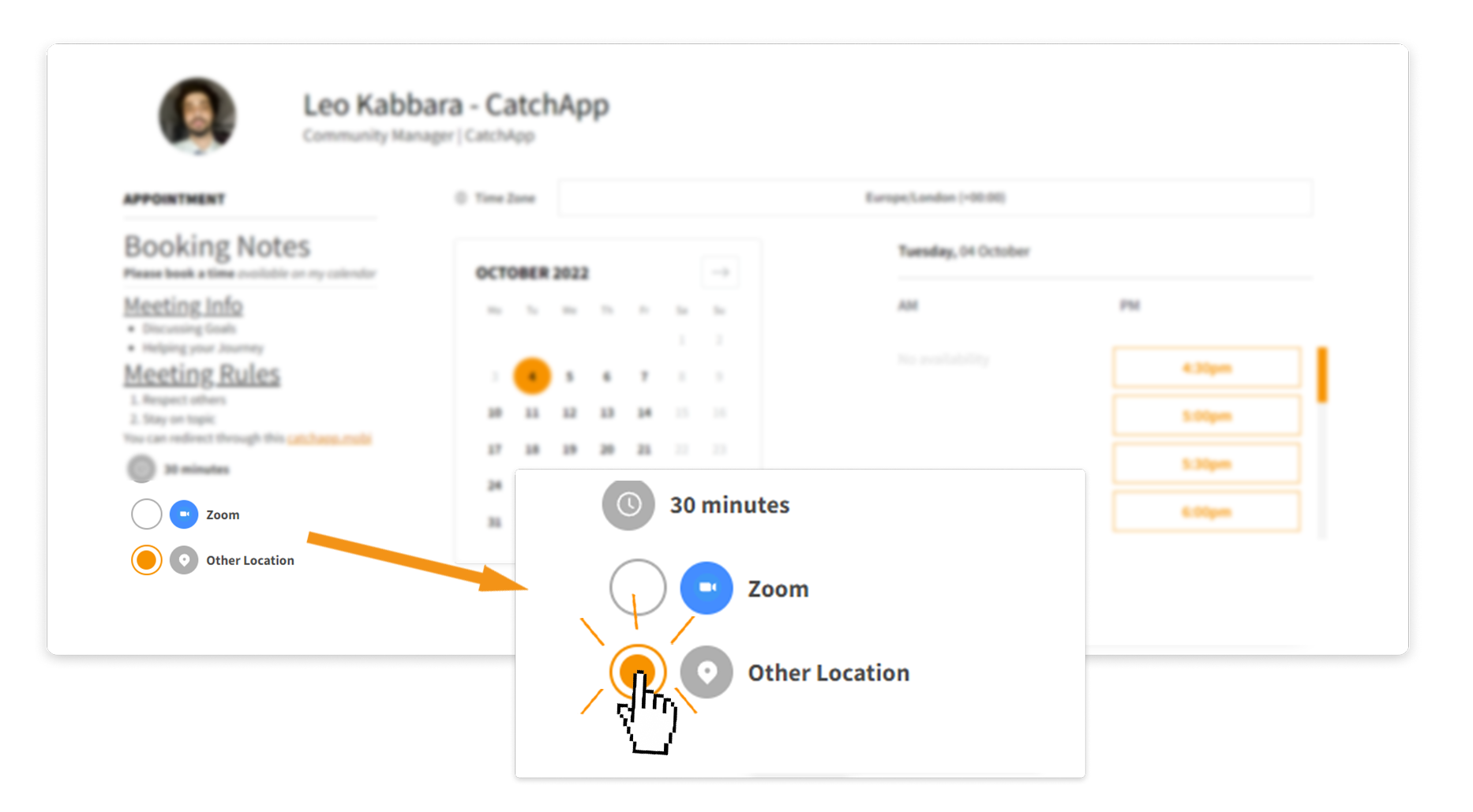
With Multiple Locations, you can allow your attendees to choose which specific location they would like to meet you when making a booking. This can either be an Online Room, an Address, a Phone Call or a custom URL location.
Benefits
-
Give flexibility to your clients. In case they can’t jump on a call, they can phone you instead.
-
Makes your Booking Page more complete, especially when embedded
-
Great for Customer Support to meet clients at any preferred location
Learn more about it here

